

How to Maintain and Extend the Life of Your Smartphone

Don’t you hate when you charge your phone 100% at the start of the day, and half of it has vanished by noon? Well, I do, and I’m sure you do too. Smartphones today have become a necessity, and I will share with you the best tips to maintain and extend the life of your smartphone so you no longer have to worry about your phone dying on you when you need it the most.
Why Proper Smartphone Care Matters

Let’s be real: your smartphone isn’t just a device, it’s your connection to work, family, and the outside world. As someone who has gone through many devices due to neglecting smartphone care, I’ve learned the hard way that, like any valuable tool, your smartphone also requires proper care for smooth functioning.
A quality smartphone will easily set you back anywhere from $500 to $1,000 or more for the latest models. A little mistake, and the next thing you know, you’re spending hundreds of dollars again on repairs.
Trust me, I’ve been burned before by thinking, “It’ll be fine,” and ending up paying a small fortune for repairs. But luckily, I have mastered smartphone care now, and it’s not that hard either. All it takes is a few minutes of care each week plus a little investment in protection, and you are set for years.
How to Maximize Your Smartphone’s Life
Here are some actionable tips that I have found extremely helpful for maximizing your smartphone’s life. Follow them, and you don’t have to worry about buying a new device every second year.
Use a Quality Case and Screen Protector
Investing in a well-made case and a high-quality screen protector is one of the simplest ways to safeguard a smartphone. A sturdy case cushions against drops and everyday knocks, while a tempered glass or film protector shields the display from scratches and cracks. The best options are designed to be slim and unobtrusive, preserving both the look and feel of the device.
These small accessories can significantly extend a phone’s usable life, reducing the likelihood of costly repairs or premature replacement. In a market where flagship models can cost as much as a laptop, such protection is less an indulgence than a sensible, long-term investment.
Keep Your Smartphone Clean
One of the easiest ways to maximize your smartphone’s life is to keep it clean. I generally recommend cleaning your phone at least once a week to remove dirt and debris from your device. Use a soft, lint-free microfiber cloth to wipe the screen and body, removing fingerprints and other grime.
For stubborn spots, slightly dampen the cloth with distilled water or a specialized cleaning solution (avoid harsh chemicals, abrasive materials, and excessive moisture) and gently scrub the grime away. Remember to clean the ports and speaker grilles, as they are infamous for attracting dust.
Manage Battery Health Wisely
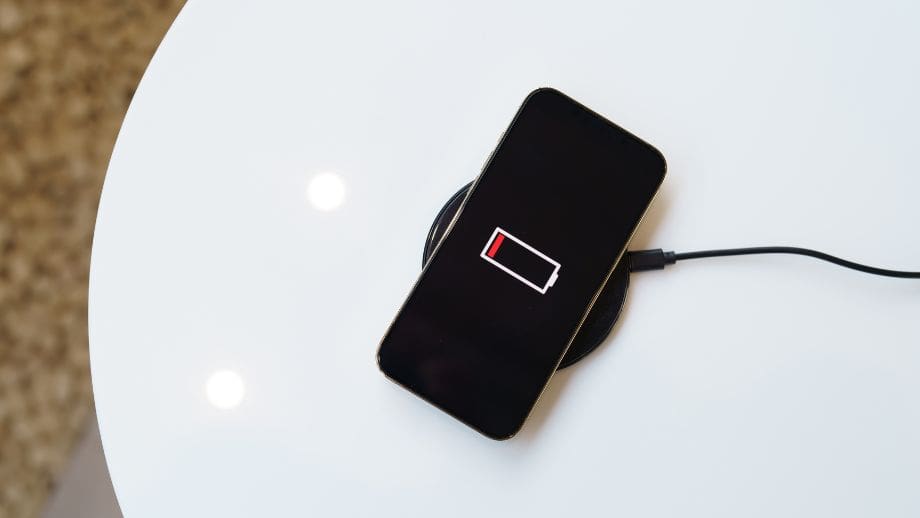
Smartphone batteries naturally degrade over time. However, you can slow down the degradation rate by adopting healthy practices. For optimal battery performance, keep your battery between 20% and 80% charge, and avoid completely discharging it or constantly charging it to 100%. Moreover, modern smartphones come with battery-saving modes that you can also use to save power when not in use.
Lastly, avoid extreme charging conditions and refrain from leaving your phone plugged in overnight or exposing it to high temperatures while charging. Additionally, use only the original charging accessories that came with your device.
Update Software and Apps Regularly
Software updates are crucial for smartphone security, as they provide critical bug fixes and performance improvements. As the software ages, it slows down your device, which can become annoying, especially if you use it for both media and work.
To tackle this and make my device perform efficiently, I have automatic updates enabled on my device, and I recommend you do the same. This automatically updates my device, eliminating the need for me to manually check for updates. Some updates optimize battery usage, improve processing speed, and introduce new features that enhance your smartphone experience.
Avoid Extreme Temperatures
Lithium-ion batteries are highly sensitive to heat and cold. I suggest avoiding leaving your device in direct sunlight or exposed to freezing conditions, as high temperatures can cause permanent battery damage, while extreme cold can cause the device to lag.
Another mistake I made was often using my device while charging, and I discovered the consequences the hard way when the battery health percentage started dropping rapidly. Therefore, avoid using your phone while it’s plugged in, and keep it in a moderate-temperature environment for optimal efficiency. In the event of challenging weather conditions, consider investing in a high-quality protective case that offers thermal insulation.
Clear Unnecessary Data
The more data you keep on your device, the more storage it consumes, which in turn slows down your phone. I regularly audit my device and delete data or apps I no longer use. It helps apps open faster, and my device runs generally smoother. Another great option to consider if you don’t want to delete your data is to store it in the cloud. This way, you have easy access without the hassle of slow performance.

Enable “Find My Phone”
Enabling a “Find My Phone” feature is a simple step that can save a great deal of trouble. If a device is misplaced or stolen, this tool can pinpoint its location with remarkable accuracy, often in real time. Many versions also allow the owner to remotely lock the phone or erase its contents entirely, ensuring that sensitive information remains out of the wrong hands.
Beyond security, it offers peace of mind knowing there is a way to track and protect such a valuable piece of personal technology. In an age when a smartphone often holds more personal data than a wallet, this safeguard is both prudent and reassuring.
Monitor App Permissions
Monitoring app permissions is an often-overlooked way to keep your smartphone running efficiently and securely. Some applications request access to features they do not genuinely need, quietly draining battery life or collecting more data than is necessary. Take a moment to review these requests and revoke those that serve no clear purpose. They extend battery performance and safeguard personal information. This habit puts the user in control, ensuring that convenience does not come at the expense of privacy. In a world where apps compete for access to every sensor and service, such vigilance is a quiet but effective form of digital self-defence.
Avoid DIY Repairs
Like any tech device, smartphones are not immune to wear and tear, and you can fix the issues yourself. But, no matter how skilled you are, don’t take the risk of opening your device. It can lead to more complications, including voiding your device’s warranty. Before deciding to repair it yourself, always check if your phone is under warranty. If not, try taking your device only to authorized repair services.
Maintaining and extending the life of your smartphone doesn’t require complex skills. By following my tips and taking care of your phone, you can increase its lifespan. Treat your smartphone as an investment, and it will perform efficiently for years without needing repair or replacement.