

Gmail AI is reading your emails — here is how to stop it
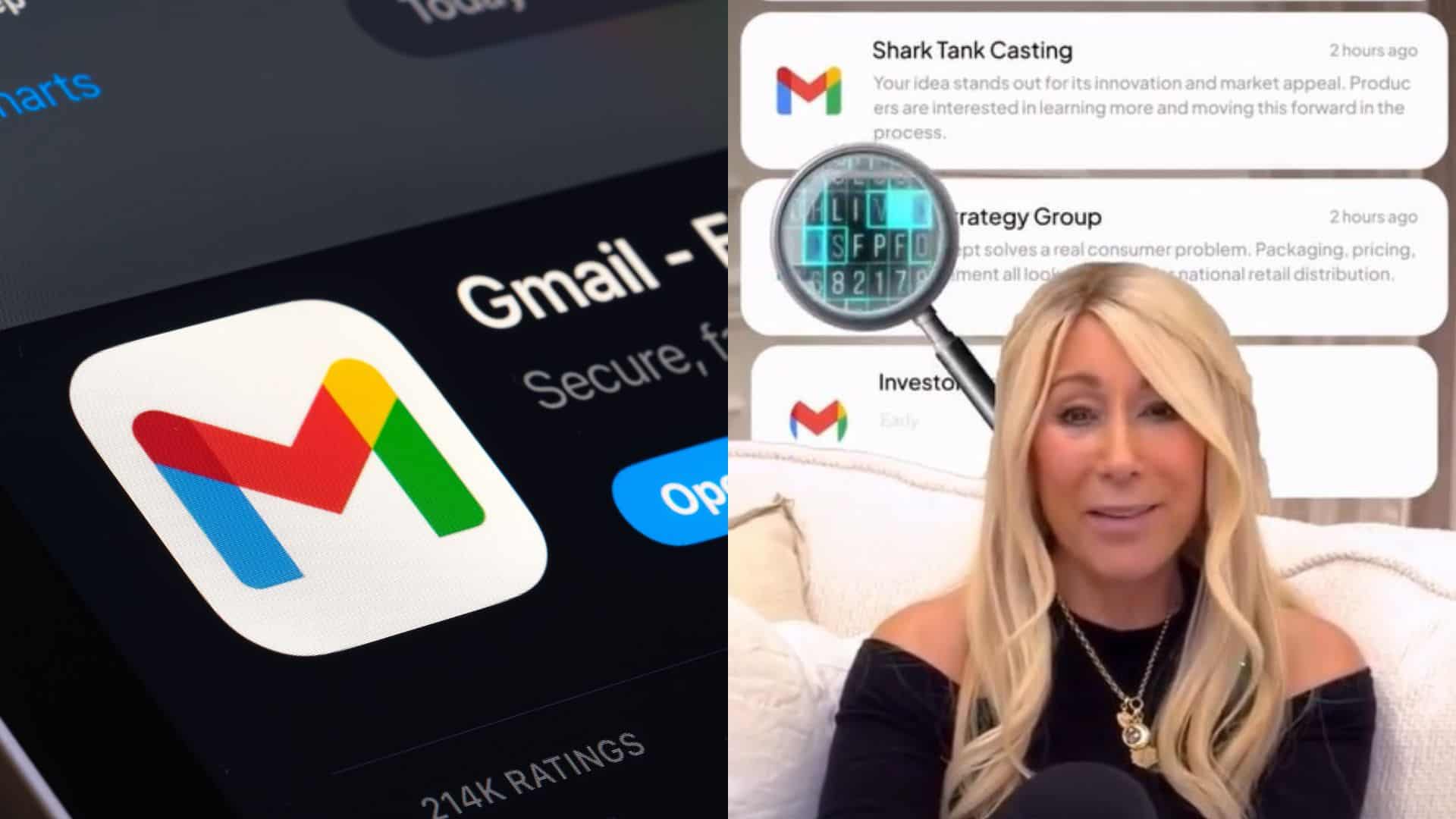
The Shark Tank star reveals exactly what information is being scanned and how to lock down your privacy.
We’ve all experienced that moment when you might be chatting with a friend about getting new clothes, or perhaps you looked up some flight tickets just once, and then suddenly, ads for those exact items seem to pop up everywhere online for weeks. It is the price we pay for living online. We generally accept that “free” services like Gmail aren’t really free; instead, we pay for them with our personal information.
But there is a difference between vague data collection and a corporation reading your personal information. Recently, a viral video has sparked a massive debate about where that line is drawn. It suggests that Google isn’t just storing your emails; it is actively scanning them with artificial intelligence, leaving millions of users scrambling to check their settings.
Lori Greiner explains the “Spying”
Lori Greiner, an American TV personality and entrepreneur, recently sparked a conversation regarding digital privacy through a viral video. Best known as an investor on the reality television series Shark Tank and for her extensive career in product development, holding over 120 patents.
In her latest video, Greiner shares an important message for anyone using Gmail. She emphasizes that if you have a Gmail account, it’s time to take your privacy settings seriously. She explains that Google has a default setting enabled that allows AI to scan “every single one” of your emails.
Greiner explains that “financial documents, your tax information, your personal conversations” are all being scanned by artificial intelligence. The scary part is that most of us agreed to this without even realizing it when we clicked “accept” on a Terms of Service update years ago.
However, Greiner offers a solution. She emphasizes that you can disable this system in about 30 seconds.
How do I turn off AI scanning?

If you want to stop Google’s AI from reading your emails to generate smart data, here is the exact process Greiner outlines:
- Open your Gmail inbox on a desktop or laptop and log in to your account.
- Click the gear icon in the upper-right corner of the screen, then choose “See all settings”.
- Scroll down the “General” tab, and you’ll see the “Smart features” option. Uncheck the box to turn it off, then reload.
- Then, under Smart Features and Other Google Products, make sure to uncheck both boxes.
- After unchecking the box, click on “Save Changes,” and you’re done.

This means that Google won’t use your email information to impact services like Google Maps or Google Pay. Your emails will be more private, and they won’t be automatically scanned to personalize your experience anymore.
But there is a drawback!
Before you rush to change your email settings, there’s an important point to consider. Google scans also help keep your inbox organized.
If you decide to turn off “Smart features and personalization,” you might lose some of Gmail’s best tools. One of the first things you’ll notice is that the way your inbox categories, such as ‘Primary, Promotions, Social, and Updates’, will disappear. Google does this by looking at the content of your emails. For example, if it sees an email from a store offering a discount, it will place it in the “Promotions” tab. If it detects a Facebook notification, it will put it in “Social.”
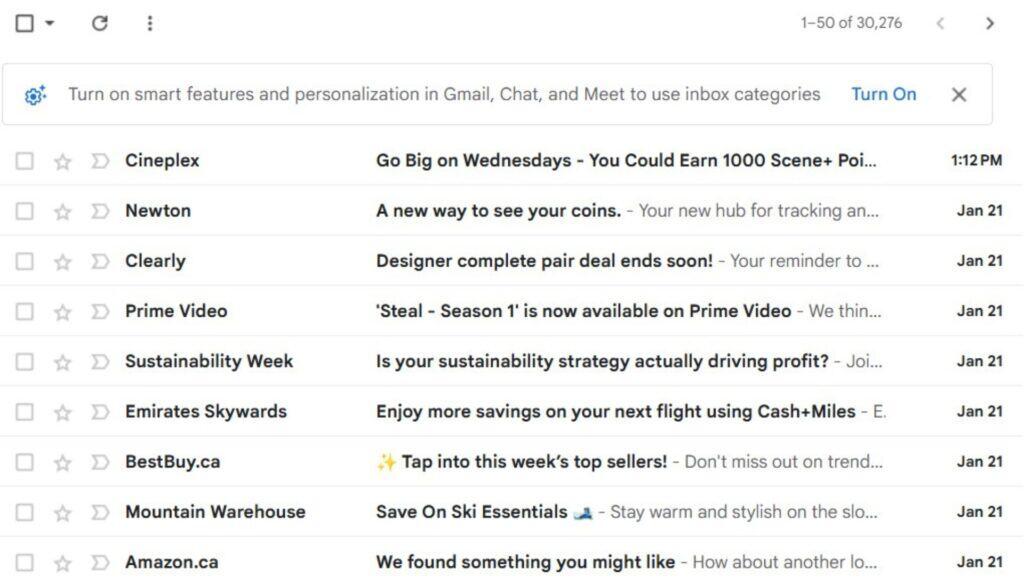
If you turn off the scanning, the AI can no longer differentiate the email. Every single email you receive will be saved in a single, cluttered list.
Ultimately, you have to make a choice. You can have the privacy that Lori Greiner advocates for, or you can have the convenience of an organized inbox.
This situation points to exactly where the future of Artificial Intelligence is heading. As these tools become more advanced, they require more data to be effective for users. We’re approaching a future where our privacy might be sacrificed for convenience. In a few years, we might all have to consider a difficult question each time we try a new app: Is it really worth giving up our personal information to save a few minutes of time?